Save big with aidemoremix deals 20% OFF "remix20"

How you learn fast web development course
How to learn faster Frontend tech
TECH
5/18/20262 min read
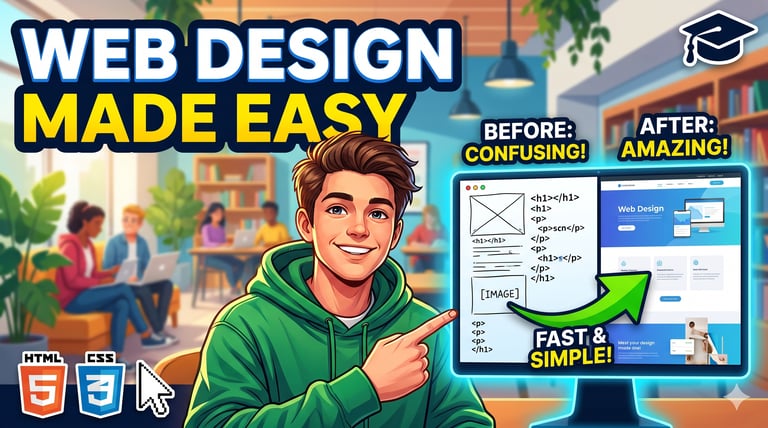
Phase 1: The 20% Theory That Does 80% of the Work (Days 1-3)
You only need a few core concepts to start building.
HTML (The Skeleton):
Structure: Understand <html>, <head>, <body>.
Semantic Tags: Learn <header>, <nav>, <main>, <footer>, <section>, and <div>.
Forms and Inputs: Focus heavily on <form>, <input>, <button>, and <label>. Mastering forms is critical when you need to design lead-capture interfaces for things like a real estate chatbot or a secure user login system.
CSS (The Styling):
The Box Model: Understand margin, border, padding, and content. If you understand this, 90% of your layout issues disappear.
Flexbox: This is your best friend for aligning items (like navigation bars or product cards) perfectly in rows or columns.
Classes and IDs: Learn how to target specific HTML elements to style them.
Phase 2: Start Building Immediately (Days 4-7)
The fastest way to learn is to build interfaces that you would actually use for professional website services.
Build a Simple Landing Page: Create a basic one-page site for a local business. Include a navigation bar, a hero image, some text, and a contact form.
Clone a Layout: Pick a simple, clean website you like (even the Google homepage) and try to recreate it using only HTML and CSS.
Host It: Push your code to a repository and deploy it live using GitHub Pages. Seeing your code live on the internet builds massive confidence.
Phase 3: Make it Responsive & Smart (Days 8-14)
A modern website must look good on a mobile phone. so main project you see in daily basis you can copy them and understand these method.
Media Queries: Learn how to write @media rules in CSS so your layout adapts when the screen size shrinks.
CSS Variables: Learn to store colors and font sizes in variables (e.g., --main-color: blue;). It makes changing the theme of a website instantly fast.
Positioning: Understand relative, absolute, and fixed positioning to overlay elements (like a sticky header or a chat widget button at the bottom of the screen).
If you confuse how code work you can inspect on browser mode
Use Developer Tools (F12): Right-click any website and select "Inspect." You can live-edit the HTML/CSS of any website on the internet to see how professional developers structure their code.
Leverage AI for Debugging: If your CSS isn't aligning correctly (e.g., a <div> is overflowing), don't waste hours guessing. Paste the HTML/CSS into an AI and ask, "Why is my flexbox layout breaking on mobile?" It will explain the exact CSS rule you missed.
Don't Memorize, Search: No developer memorizes all CSS properties. Knowing what is possible and searching for the exact syntax (like "CSS gradient background generator") is the fastest way to work.
Once your HTML and CSS fundamentals are solid, passing data through these layouts by linking API logic becomes a incredibly smooth process. If you understand of basic layout of html and also learn file structure of web development you can learn faster then other.
Any help you can connect with me
Ai Demo Remix
Explore our website and connect with us for any help.
Contact
Newsletter
info@aidemoremix.com
+91-9837587735
© 2026. All rights reserved.